What happened
On November 12, 2025, Apple announced Digital ID, a Wallet card built from the data in a US passport. Until then, the only government IDs you could add to Wallet in the US were state driver's licenses and state IDs, and only a minority of states took part. Basing the card on a passport meant people in any state could get one.
Setting it up takes a few steps inside Wallet. You photograph the passport's photo page, hold the iPhone against the passport so it can read the chip inside, then take a selfie and make some head movements so Apple's system can check that you're the person in the passport. At launch, TSA checkpoints at more than 250 US airports accepted it in beta, for domestic trips only.
MacRumors listed the requirements: an iPhone 11 or later on iOS 26.1 or newer; on the wrist, an Apple Watch from Series 6 onward running watchOS 26 works too.1. You also need Face ID or Touch ID, Bluetooth switched on, two-factor authentication on your Apple Account, an unexpired passport and your device region set to the United States.
What changed for buyers
For most people the main win was not having to carry a physical ID through airport security, provided the checkpoint had a compatible reader. You double-click the side button, pick the ID and hold the phone near the reader. The screen shows what the officer is asking for, and you approve it with Face ID or Touch ID. The phone stays in your hand and doesn't need unlocking first.
Apple's privacy claims were part of the pitch. It said the passport data is encrypted and kept on the device, and that Apple can't see when or where you present the ID. Only the details a reader requests are shared, after you approve them.
The limits got as much attention as the feature. Apple said plainly that it is "not a replacement for a physical passport," as MacRumors quoted it. TidBITS argued that the people who gain the most are domestic flyers whose state license isn't REAL ID compliant. Anyone who drives, rents cars or buys alcohol will usually still carry a physical card anyway.
No new hardware was needed. Every iPhone Apple sold at the time met the iPhone 11 minimum, so this wasn't a reason to upgrade.
Where things stand now (November 2026)
Digital ID is still available and still limited to US passports. Apple's current support page no longer calls TSA acceptance a beta. It lists four places you can present the ID: select TSA checkpoints, select businesses for age or identity checks, apps through a "Verify with Apple Wallet" button, and websites in Safari. How many businesses and apps actually accept it isn't something Apple publishes, so check before relying on it.
The page also sets out some rules worth knowing before you switch phones:
- You must be 13 or older to create one.
- Each Apple Account can have the ID on one iPhone and one Apple Watch at a time. To move it to a new iPhone, remove it from the old one first.
- It still can't be used for international travel or border crossings.
The first broad expansion came in spring 2026. 9to5Mac reported that a passport-based Digital ID can now confirm you're an adult for Apple Account and Apple services checks, for example when downloading apps rated 18+. Separately, more states have joined or announced support for driver's licenses in Wallet. Lists published this year vary, so check Apple's or your state's site for the current list.
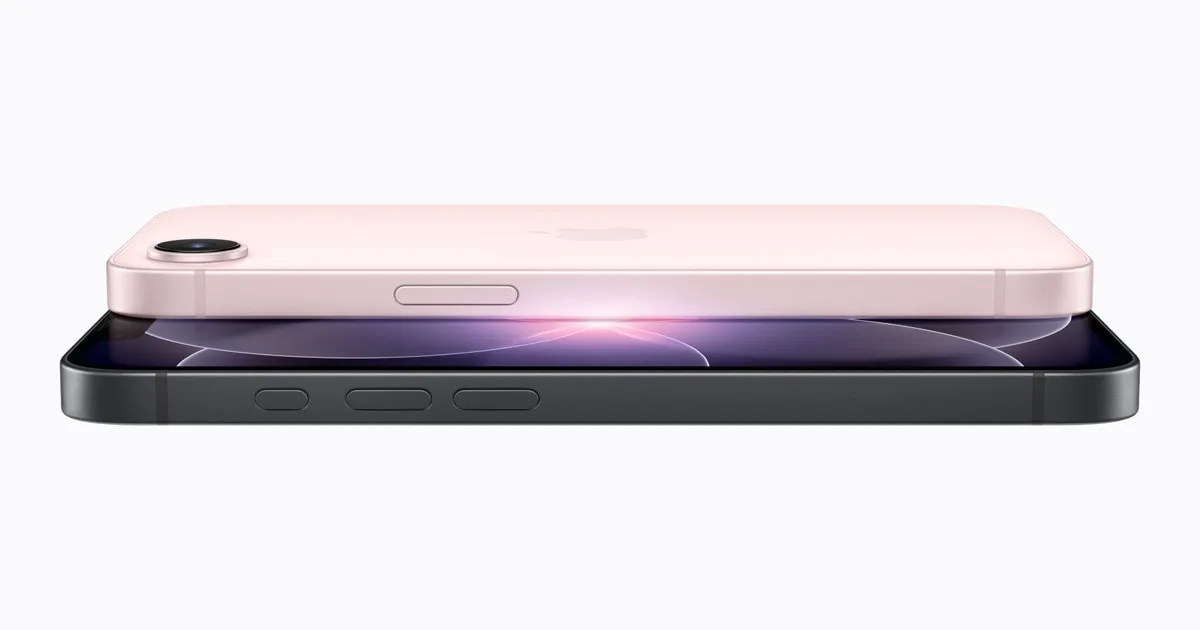
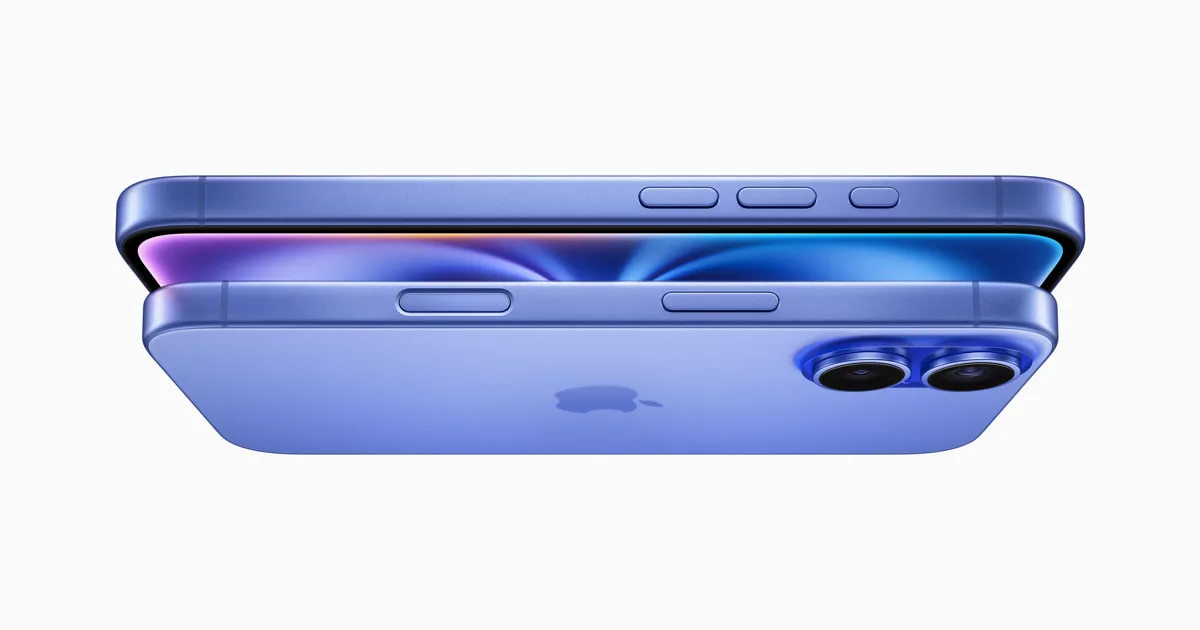
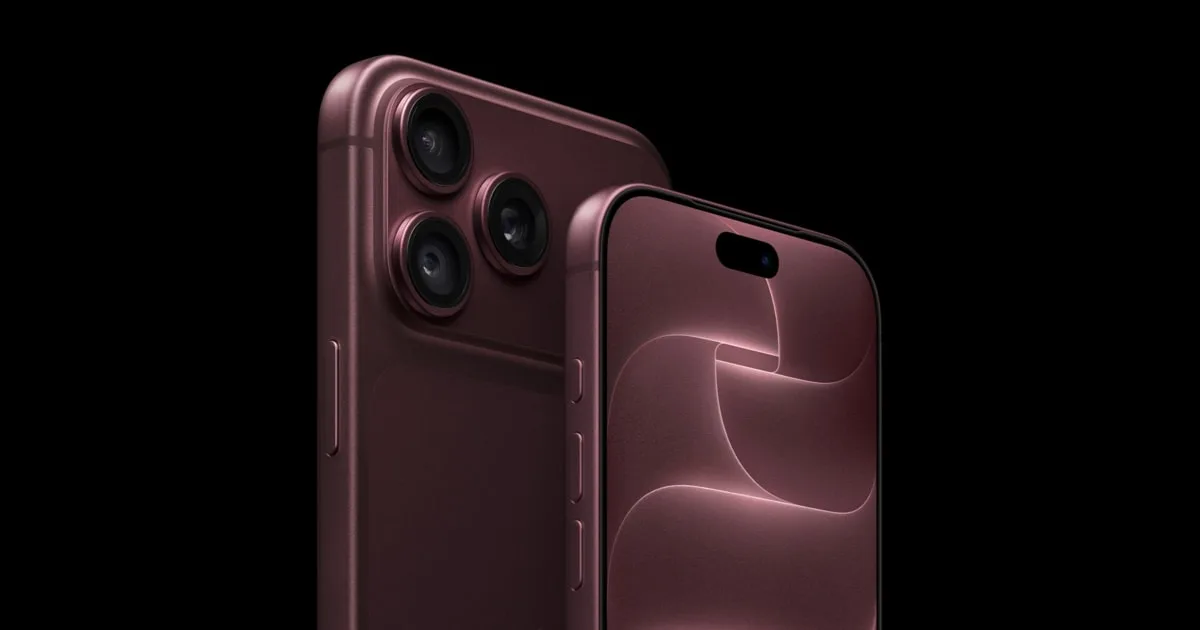
On hardware, the iPhone 11 minimum still holds, so every iPhone Apple sells today supports it. That includes the iPhone 17e (now from $699), the iPhone 16 ($799, 128GB only), the iPhone 17 (from $899) and the iPhone Air (from $1,099). All four went up in price in September 2026; our price tracker has the details. If you're upgrading, remember the one-device rule: remove the ID from the old phone before you trade it in, then add it again on the new one.
Bottom line
Digital ID is a handy extra for domestic flights, and it is slowly gaining other uses such as age checks. It costs nothing and works on any iPhone from the last several years. Treat it as a backup to your documents, not a replacement. Keep your passport for any trip abroad, and keep a physical ID on hand in case a checkpoint or business can't read the digital one. For more Wallet and iOS changes, see our news page and iOS hub.
Found something out of date? Tell us and we'll fix it and log the change on our corrections page.