What happened
Apple shipped iOS 26.3 on February 11, 2026, along with macOS Tahoe 26.3 and watchOS 26.3, Engadget reported. Apple's own release notes described it in a few words, as bug fixes and security updates. 9to5Mac listed what was new: an easier route from iPhone to Android, refreshed Astronomy and Weather wallpapers, and the new location-privacy option. At the time it expected the long-awaited Siri upgrade in iOS 26.4. That didn't happen; the new Siri arrived later as Siri AI in iOS 27.
The security side mattered. Apple's security notes for iOS 26.3 list dozens of fixes. They include a memory flaw in dyld, the system component that loads apps' code, which Apple said may have been used in a highly targeted attack on versions before iOS 26. It covered the iPhone 11 and later.
One feature in the betas, notification forwarding to another device, was reported as EU-only. 9to5Mac noted it was not in the final release, while Engadget's report listed it. We treat it as not part of 26.3.
What changed for buyers
Leaving the iPhone got easier. Before 26.3, moving from iPhone to Android relied on apps or cloud workarounds. Apple's support guide describes the new flow. You go to Settings, then General, then Transfer or Reset iPhone, then Transfer to Android. You scan a QR code shown on the Android phone and pick what to move. That can include photos, contacts, calendars, call history and messages. Your Home Screen layout, wallpaper and accessibility settings move automatically. Third-party apps' data moves only if the developer supports it. The Android phone needs a compatible version of Android 17.
Your eSIM can move too, but only with certain carriers. Apple lists AT&T, FirstNet, T-Mobile and Verizon in the US, plus one carrier each in Japan, Germany, France and the UK. Once it's transferred, the number stops working on the iPhone.
For buyers this works in both directions. If you're unsure about an iPhone, it's now easier to leave later. And if you're handing an old iPhone to someone switching to Android, the move is simpler.
Limiting what your carrier sees. The second feature is a toggle called Limit Precise Location. With it on, cellular networks get a rougher location, such as a neighborhood, rather than something close to a street address, MacRumors explained. It doesn't change what apps see through Location Services. It also doesn't change the location sent to emergency services during an emergency call. The limit was hardware: it needed Apple's C1 or C1X modem. At launch that meant the iPhone Air, iPhone 16e and the cellular M5 iPad Pro, and the carrier had to support it too. The US list was a single carrier, Boost Mobile.
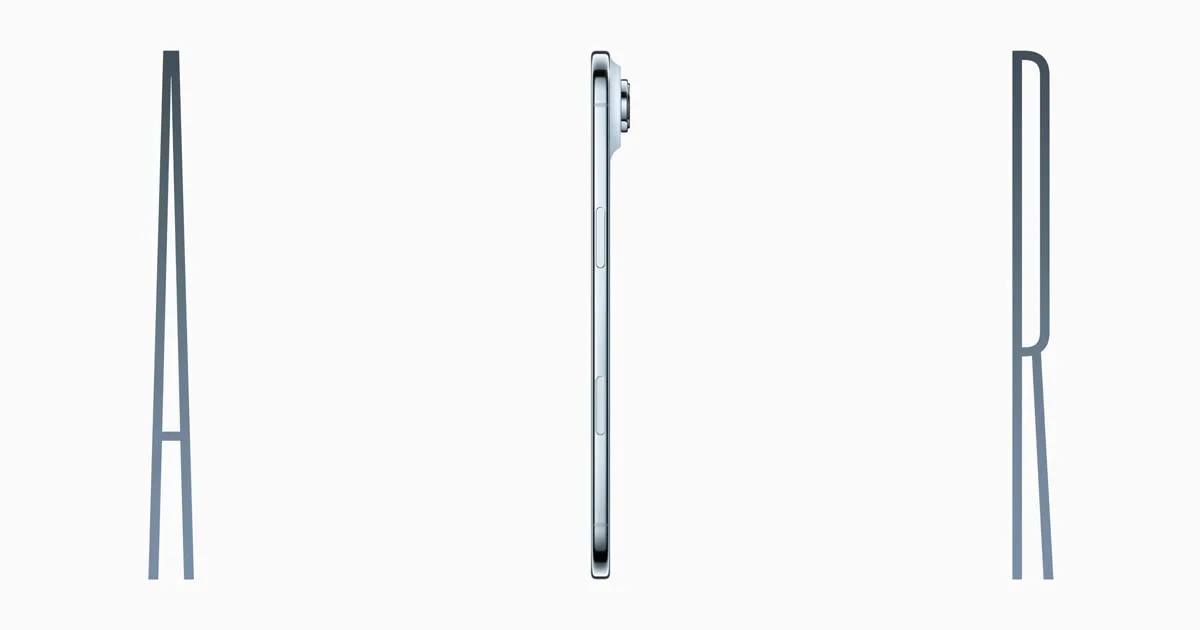
That meant the setting wasn't available on the iPhone 17 or the iPhone 16. Neither uses an Apple modem. For a privacy-minded buyer, the iPhone Air became the one flagship-priced iPhone that had it.
Where things stand now (November 2026)
iOS 26.3 is far out of date. The current release is iOS 27.2.1, from November 9, and iOS 27.3 is in beta. iPhones staying on iOS 26 can install iOS 26.7.3, a fixes-only update. An iPhone still on 26.3 is missing nine months of security fixes.
Apple's support page for the Android tool is still live. It still points you to the same Settings path and still lists the same eSIM carriers. We found no sign that iOS 27 removed it.
Limit Precise Location has grown since launch. Apple's current support page now lists the iPhone Air, iPhone 16e and iPhone 17e, plus the cellular M5 iPad Pro. It's on by default with carriers in Austria, Denmark, Germany, Ireland, Thailand and the UK. You can switch it on yourself with any SIM from an EU or UK carrier. No US carrier is named there now, so US buyers shouldn't count on it. Apple's page doesn't list the iPhone 18 Pro or iPhone Duo.
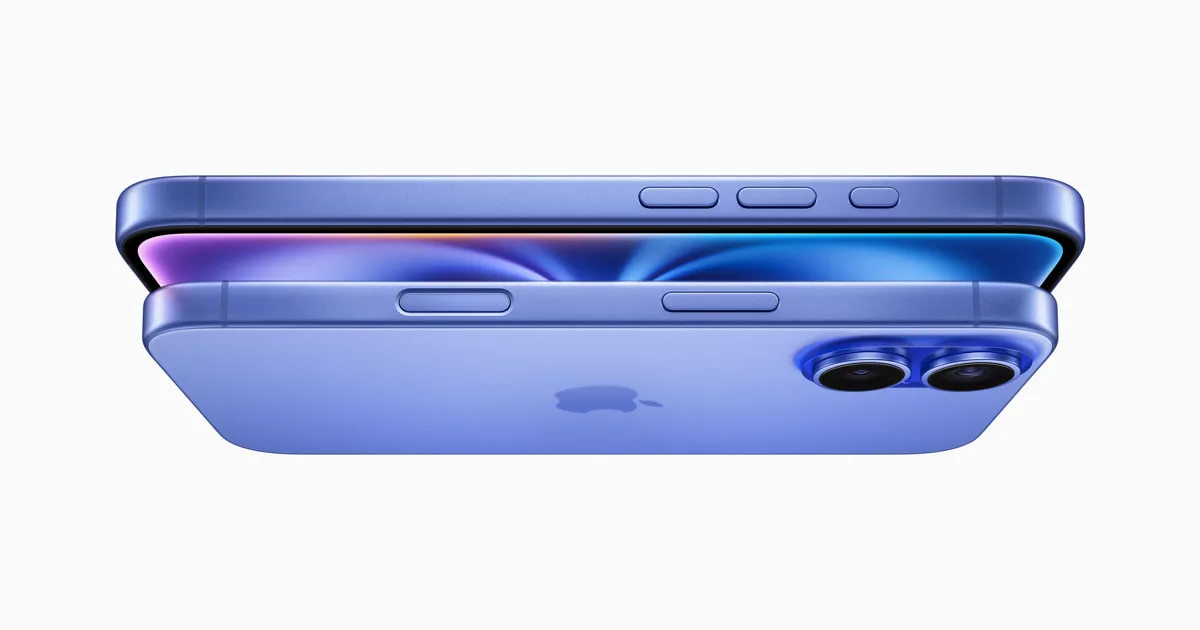
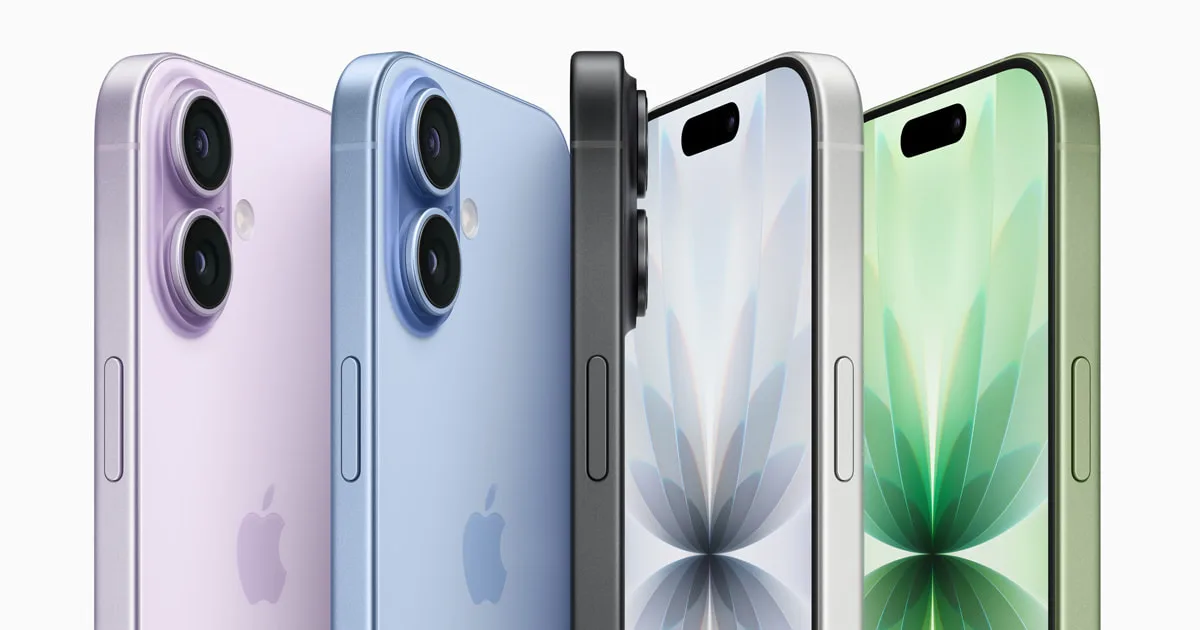
All three phones in this story are still on sale, at higher prices than in February. Apple added $100 to each in September: the iPhone 17 is now from $899, the iPhone Air $1,099 and the iPhone 16 $799. Our compare tool shows the differences.
Bottom line
iOS 26.3 was a small update with two lasting effects. Apple built in a proper way to leave for Android, and carriers can get less location detail on iPhones with Apple's own modem. If you're shopping for that privacy setting, the iPhone Air or iPhone 17e is the one to choose, and outside Europe and Thailand, check carrier support first. Every iPhone should now be on iOS 27.2.1 or 26.7.3. Our iOS hub tracks each release.
Found something out of date? Tell us and we'll fix it and log the change on our corrections page.