Apple now sells two desktop Macs with the new M6 chip. The Mac mini went on sale on September 22, 2026, and the iMac followed on November 6. Both use the same chip family, both start with 16GB of memory and 256GB of storage, and both run the same software. The real difference is what comes in the box and how much you can plug in. This guide is research-based. We used Apple's spec pages, Apple's announcements and our own price data, checked on November 12, 2026. We haven't used either Mac ourselves.
Prices side by side
| Model | Chip | Memory / storage | Price |
|---|---|---|---|
| Mac mini | M6, 12-core CPU and GPU | 16GB / 256GB | $899 |
| Mac mini | M5 Pro, 15-core CPU | 24GB / 512GB | $1,699 |
| Mac mini | M5 Pro, 18-core CPU | 24GB / 512GB | $1,899 |
| iMac | M6, 10-core CPU and GPU | 16GB / 256GB | $1,499 |
| iMac | M6, 12-core CPU and GPU | 16GB / 256GB | $1,699 |
| Mac Studio | M5 Max, 32-core GPU | 36GB / 512GB | $2,499 |
Sources: Apple's spec pages for the Mac mini, iMac and Mac Studio, plus Apple's iMac announcement. Our prices page tracks any retailer discounts.
The $600 gap between the cheapest Mac mini and the cheapest iMac is the key number. With the iMac, that money pays for a 24-inch 4.5K screen, a 12MP camera, speakers, microphones, a Magic Keyboard and a Magic Mouse. Apple's spec page confirms the Mac mini ships with only a power cord. If you already have a good monitor and accessories, the Mac mini saves you the full $600. If you'd have to buy everything new, the gap shrinks quickly, and the iMac's screen is hard to match cheaply.
Key specs compared
| Mac mini (M6) | iMac (M6), 10-core | iMac (M6), 12-core | |
|---|---|---|---|
| CPU / GPU | 12-core / 12-core | 10-core / 10-core | 12-core / 12-core |
| Memory | 16GB, up to 32GB | 16GB, up to 24GB | 16GB, up to 32GB |
| Storage | 256GB, up to 2TB | 256GB, up to 1TB | 256GB, up to 2TB |
| Built-in screen | None | 24-inch 4.5K, 4480×2520, 500 nits | Same, nano-texture optional |
| Thunderbolt | Three Thunderbolt 4 (back) | Two | Four Thunderbolt 4 |
| Other ports | HDMI, two front USB-C, headphone jack | Headphone jack | Headphone jack |
| Ethernet | 2.5Gb built in (10Gb optional) | 2.5Gb optional | 2.5Gb built in |
| External displays | Up to three | One | Up to two |
| Keyboard and mouse | Not included | Magic Keyboard, Magic Mouse | Magic Keyboard with Touch ID, Magic Mouse |
| Weight | 0.67 kg | 4.42 kg | 4.44 kg |
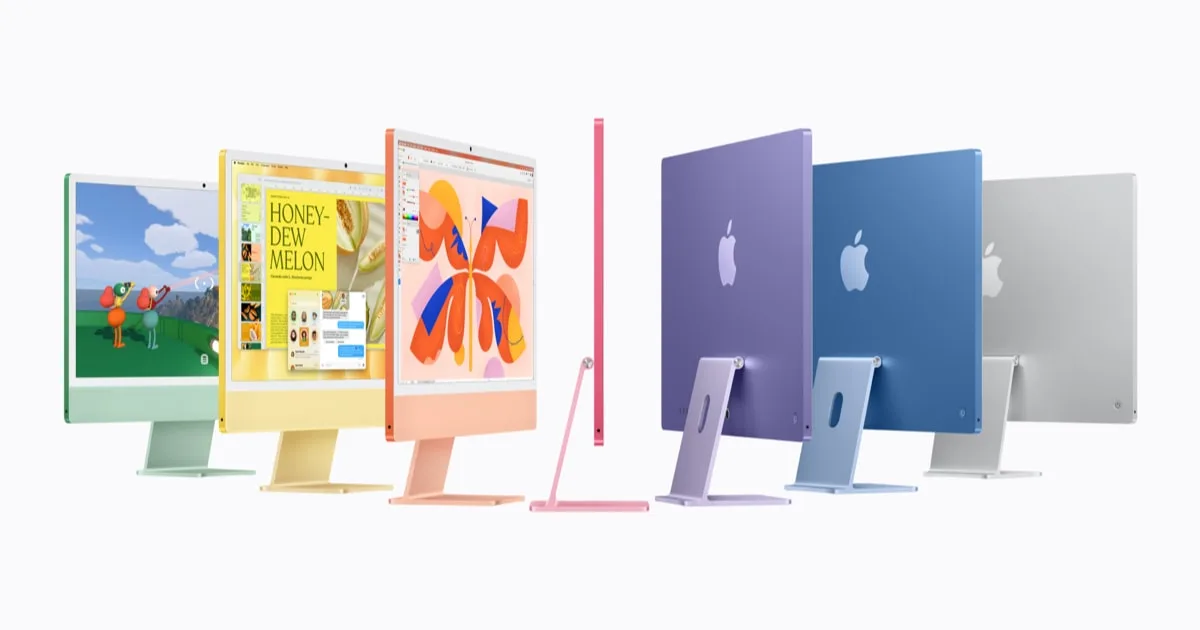
Sources: Mac mini specs and iMac specs. The iMac comes in seven colours (blue, purple, pink, orange, yellow, green and silver). The Mac mini comes in silver only.
Where the Mac mini wins
More chip for less money
The $899 Mac mini gets the 12-core CPU and 12-core GPU version of the M6. To get the same chip in an iMac you need the $1,699 model. The cheaper $1,499 iMac uses a 10-core version with two fewer CPU and GPU cores. For everyday browsing, email and office work you're unlikely to notice. For photo editing, gaming or longer video exports, the extra cores help.
Ports and screens
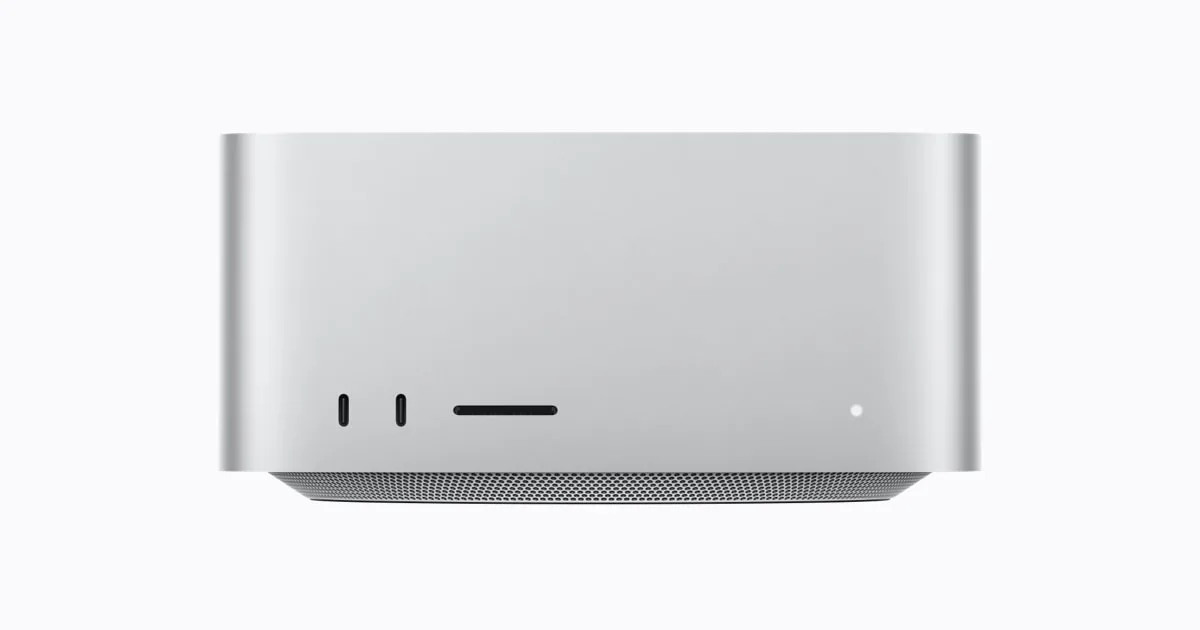
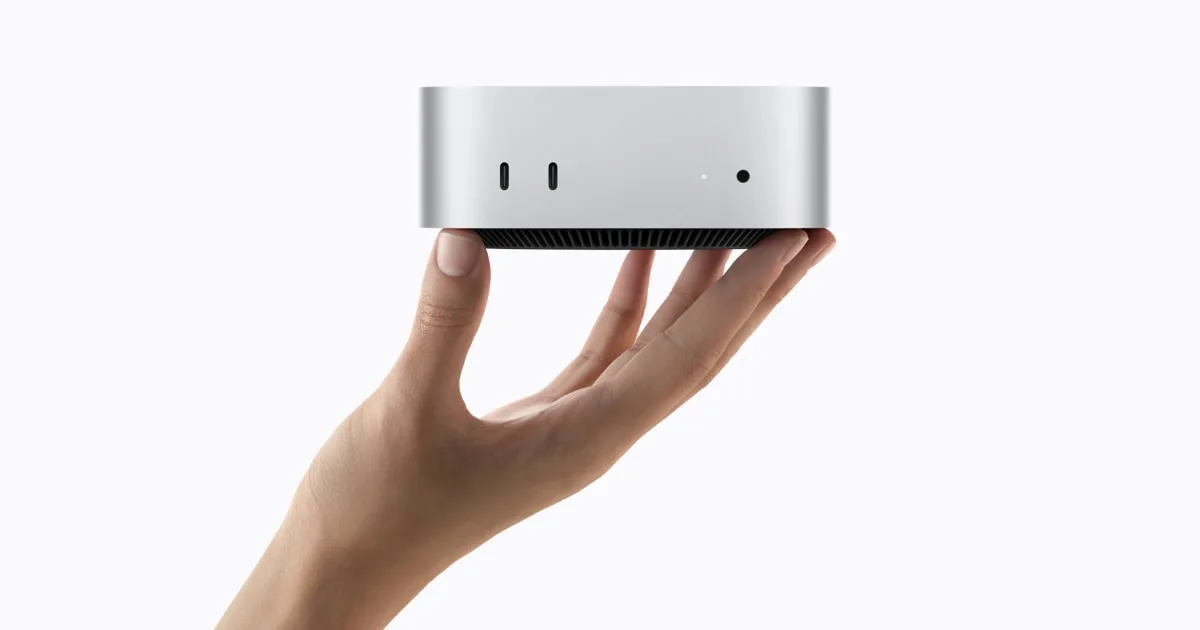
The Mac mini has three Thunderbolt 4 ports, HDMI and Ethernet on the back, plus two USB-C ports and a headphone jack on the front. Apple says it can drive up to three external displays. The base iMac has just two Thunderbolt ports and a headphone jack, and supports one extra screen. If you plug in drives, docks, audio gear or several monitors, the mini is far easier to live with.
Flexibility over time
Because the screen is separate, you can keep a good monitor for many years and replace only the computer later. With an iMac, the screen and computer go together. The mini is also small enough to move between desk and TV.
A path to more power
Only the Mac mini offers the M5 Pro chip, from $1,699. Apple's spec page lists up to 64GB of memory, up to 8TB of storage and Thunderbolt 5 on those models. No iMac goes beyond 32GB and 2TB.
Where the iMac wins
Everything in one box
The iMac is one cable to the wall and you're done, with a keyboard and mouse included. For a family room, a kitchen counter, a small office front desk or a relative who doesn't want a tangle of wires, that simplicity is the main reason to buy it.
The screen
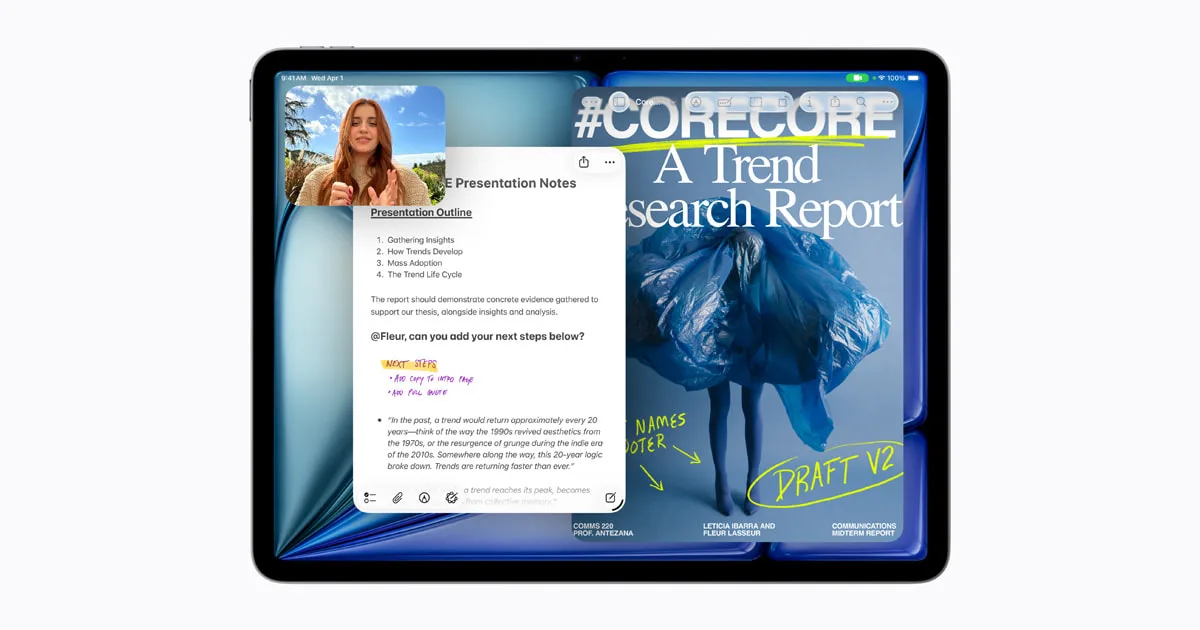
Apple lists the display at 4480 by 2520 pixels and 218 pixels per inch, with 500 nits of brightness and P3 wide colour. Text and photos look sharp at that density. Matching it with a separate monitor usually costs a good share of the $600 price gap. The 12-core model can also be ordered with nano-texture glass to cut glare.
Camera, speakers and Touch ID
Video calls work out of the box, using the 12MP Center Stage camera. The $1,699 model adds Touch ID on the keyboard, four Thunderbolt ports and built-in Ethernet, which makes it the better iMac for most homes.
What about the Mac Studio?
The Mac Studio starts at $2,499 with an M5 Max chip, 36GB of memory, 512GB of storage and Thunderbolt 5. It goes up to the M5 Ultra from $5,499. It's built for long 8K video edits, 3D rendering and running large AI models locally. For most buyers, even creative ones, the M5 Pro Mac mini covers the same ground for less. Like the Mac mini, the Studio doesn't come with a screen, keyboard or mouse.
Watch the storage
Both M6 desktops start with 256GB, which fills quickly with a photo library, games or video. Storage can't be added inside later. MacRumors reported that the 2TB option on the M6 Mac mini cost $1,000 on its own. A fast external USB-C or Thunderbolt drive is often the cheaper fix on the mini, since it has spare ports. On the iMac, the 12-core model is the only one that goes up to 2TB, so choose storage carefully at checkout.
Is now a good time to buy?
Yes, for both. The iMac has been on sale for less than three weeks, and Apple has tended to go about two years between iMac updates. The Mac mini is two months old, and its line also tends to go well over a year between refreshes. We know of no reliable reports of a new desktop Mac coming soon. Our rumours page will flag any change. If you're replacing an older Mac, check our trade-in guide first, and see the Black Friday page for any retailer discounts.
Who should buy which
- You already own a monitor: Mac mini.
- Family computer or home office, starting from scratch: the 12-core iMac at $1,699.
- Several screens, lots of drives or a home studio: Mac mini, or the M5 Pro version if you need more memory.
- Tight budget: the $899 Mac mini with your existing accessories.
- Pro video, 3D or AI work: Mac Studio, after checking whether an M5 Pro Mac mini would do.
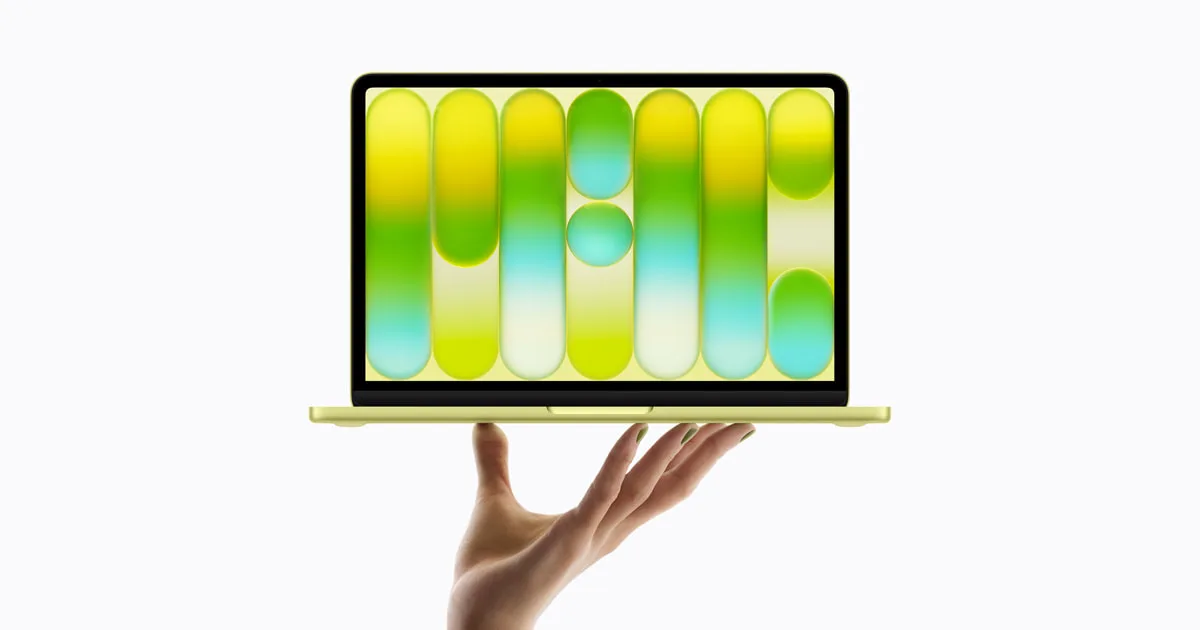
- You need to move it around: neither. Look at the MacBook Air instead.
Bottom line
The Mac mini is the better value. It gets the faster version of the M6 chip, more ports and more display support for $600 less, as long as you supply the screen, keyboard and mouse. The iMac is the better finished product: a sharp built-in screen, camera, speakers and accessories in one colourful unit. If you're buying the iMac, the $1,699 model is worth the extra $200 for its full chip, extra ports, Ethernet and Touch ID. Still deciding? Put them side by side on our compare page, or read should I buy for timing advice across Apple's range.
Part of our Mac buying hub: every Mac guide in one place.
Found something out of date? Tell us and we'll fix it and log the change on our corrections page.