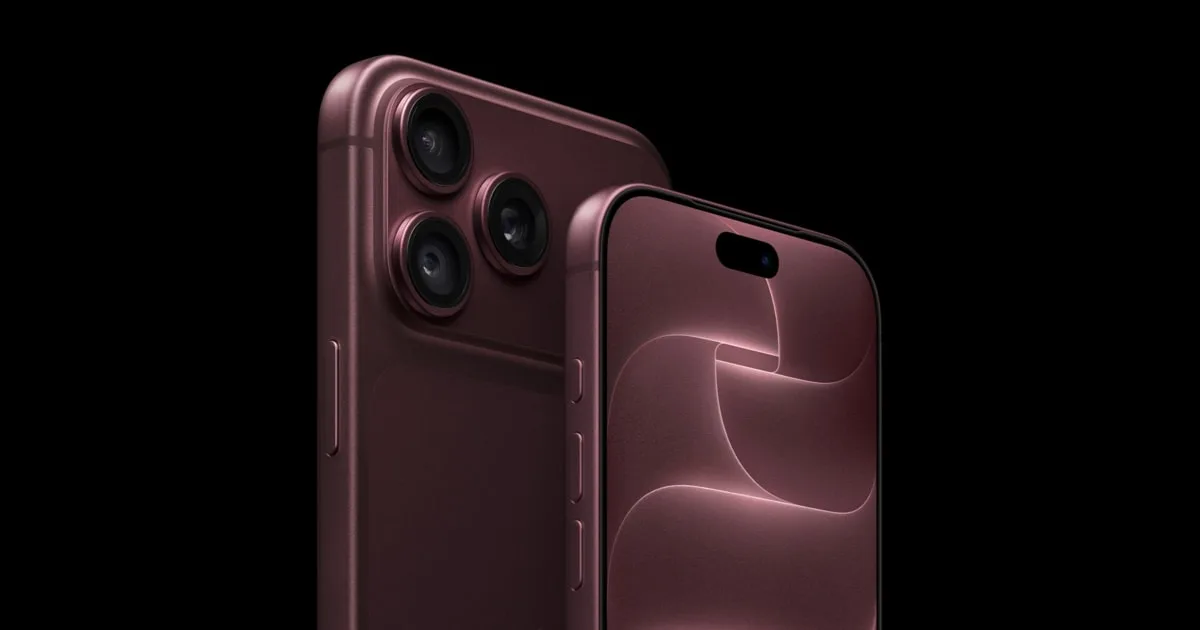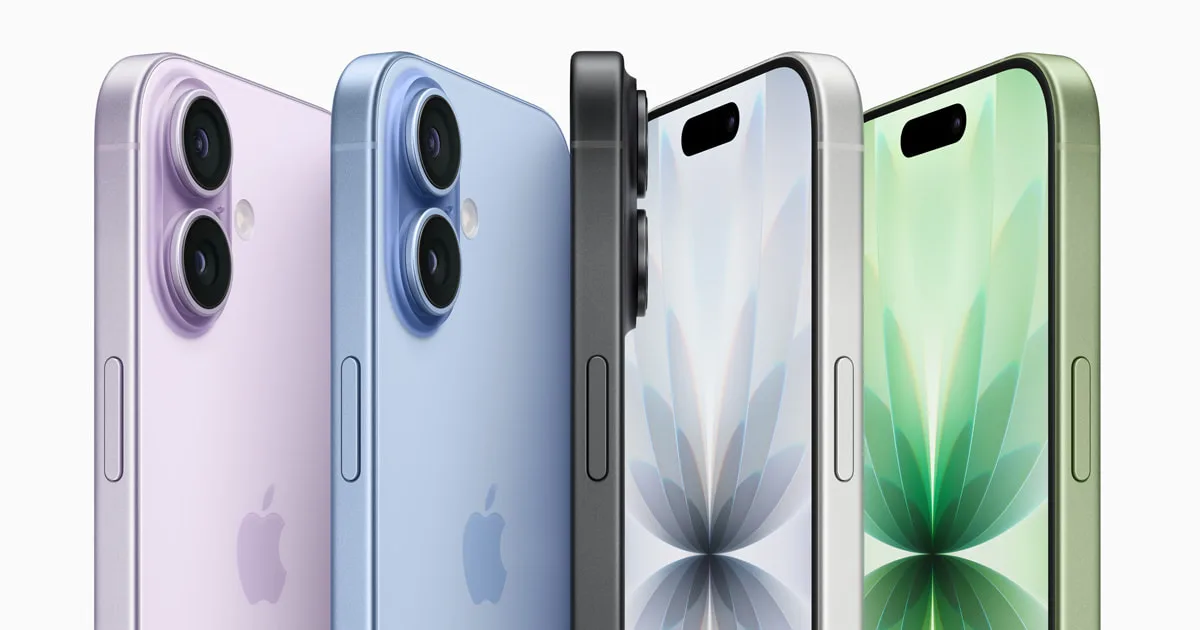
Small "point-point" updates are easy to put off, especially when the release notes are one line long. iOS 27.2.1 is worth installing anyway. Below we explain what Apple has disclosed, which iPhones get it, what to do if you're still on iOS 26 or 18, and how to install it without fuss. Our iOS 27.2.1 page holds the version details, and the main iOS hub tracks every release.
What iOS 27.2.1 is
Apple released iOS 27.2.1 and iPadOS 27.2.1 on November 9, 2026, two weeks after iOS 27.2. Apple's developer release list shows build 24B156, and a second iOS build, 24B91034, posted the same day. Apple didn't say why there are two builds. Updates to macOS, watchOS and visionOS 27.2.1 came out at the same time.
The on-device release notes say only that the update brings bug fixes and security updates for your iPhone, as 9to5Mac and MacRumors both reported. Apple hasn't listed which non-security bugs it fixed, so be wary of any page claiming it fixes a particular battery or Wi-Fi problem without a source.
The nine security fixes, in plain English
Apple's security document for iOS 27.2.1 lists these issues. The descriptions below are our own summaries of Apple's entries:
| Area | What could happen before the fix | CVE |
|---|---|---|
| Messages | A remote attacker could join an iMessage group chat and receive its messages | CVE-2026-113961 |
| Messages | Someone newly added to an iMessage group could see messages sent before they joined | CVE-2026-113960 |
| CoreUtils | A malicious Bluetooth device could pair without the user doing anything | CVE-2026-113965 |
| CoreUtils | An attacker in Bluetooth range could get around the limit on pairing-code guesses and pair without user action | CVE-2026-113964 |
| AirPlay | An attacker in Bluetooth range could get around the limit on pairing-code attempts | CVE-2026-113968 |
| rapportd | An attacker on the same network could get around the limit on AirPlay pairing-code attempts | CVE-2026-113969 |
| Bluetooth | An attacker in Bluetooth range could corrupt process memory | CVE-2026-113970 |
| App Intents | An app could access sensitive user data | CVE-2026-113963 |
| brotli | Specially crafted input could cause memory corruption | CVE-2026-111497 |
Two themes stand out. The first is group chat privacy: two separate Messages bugs affected who could see a group conversation. The second is nearby attacks: five of the nine fixes involve Bluetooth, AirPlay pairing or the local network, so the risk is greatest in busy public places. Apple's document doesn't say that any of these flaws were exploited in the wild, and we haven't seen a report that they were. That's reassuring, but it's no reason to wait, because details of a fix often help attackers target people who haven't updated.
Which iPhones get iOS 27.2.1
Apple lists the fixes as available for the iPhone 11 and later. On iPad, it covers the iPad Pro 12.9-inch (4th generation and later), iPad Pro 11-inch (2nd generation and later), iPad Air (4th generation and later), iPad (9th generation and later) and iPad mini (6th generation and later). That covers every current model, from the iPhone 17e to the iPhone 18 Pro and iPhone Duo.
Still on iOS 26 or iOS 18? You get patches too
Apple released security updates for older software on the same day. Its security releases list shows iOS and iPadOS 26.7.3 and iOS and iPadOS 18.7.12, both dated November 9, 2026. If you've chosen to stay on an older major version, Software Update should offer the matching patch. MacRumors noted the same split: devices not running iOS 27 are offered 26.7.3 or 18.7.12 instead.
| You're running | Install | Apple notes |
|---|---|---|
| iOS 27.x | iOS 27.2.1 | Security content |
| iOS 26.x | iOS 26.7.3 | Security content |
| iOS 18.x | iOS 18.7.12 | Security content |
How to install it safely
These steps follow Apple's own update guide:
- Back up to iCloud or a computer. Problems are rare, but a backup costs little.
- Plug in and connect to Wi-Fi. If you use a VPN or proxy, Apple says these can block the update servers, so turn them off if the download stalls.
- Open Settings > General > Software Update and tap Download and Install.
- If your iPhone says there isn't enough space, it may offer to remove apps temporarily. Apple says those apps reinstall automatically afterwards.
To skip this next time, turn on Settings > General > Software Update > Automatic Updates. With Automatically Install on, Apple installs updates overnight while the phone is charging on Wi-Fi.
Is there any reason to wait?
For most people, no. A minor update like this is meant to be low-risk, and leaving known security holes open is the bigger risk. The main exception is a work-managed iPhone, where your IT team may hold updates until it has tested them. Follow their policy there. If you rely on one specific app for work, look at that developer's support page or social feed for problem reports, but don't wait weeks.
What's next: iOS 27.3 in December
The first iOS 27.3 beta arrived on November 3, according to Apple's developer releases. Apple has said iOS 27.3 will reach the public in December but hasn't given a date, as MacRumors reported. MacRumors also says Apple has confirmed Apple Intelligence will roll out in China in December alongside iOS 27.3, at first without Siri AI. Features in the beta can change before release. We follow it on our iOS 27.3 page. Installing 27.2.1 now won't stop you getting 27.3 later.
Bottom line
Update now. iOS 27.2.1 changes nothing you'll notice in daily use, but it closes nine security holes Apple has documented, including two iMessage group chat privacy bugs and several Bluetooth and AirPlay pairing flaws. Back up, plug in, and install it from Settings > General > Software Update. If you're on iOS 26 or 18, install 26.7.3 or 18.7.12 instead. For more on Apple's latest releases, see our what's new page.
Found something out of date? Tell us and we'll fix it and log the change on our corrections page.